

Highlights
What is it?
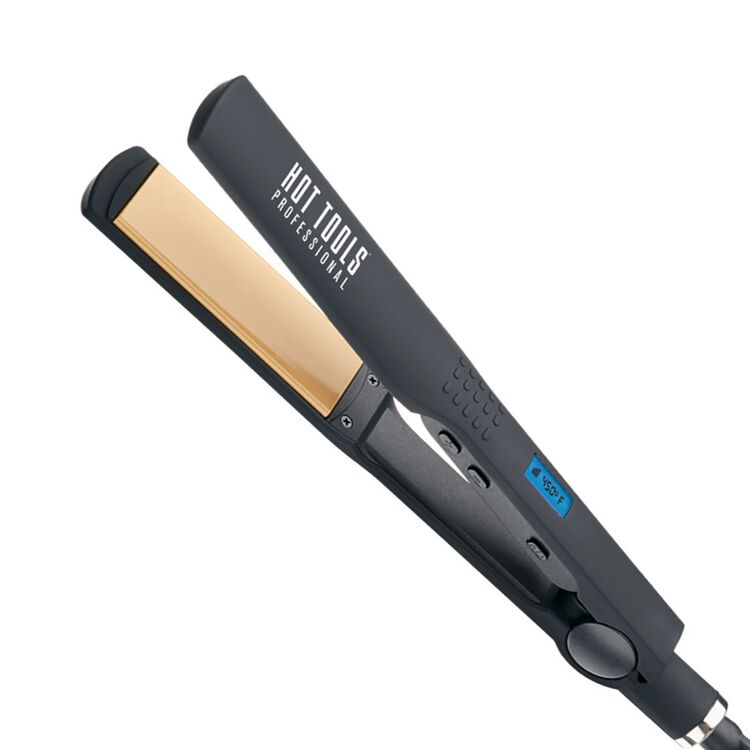
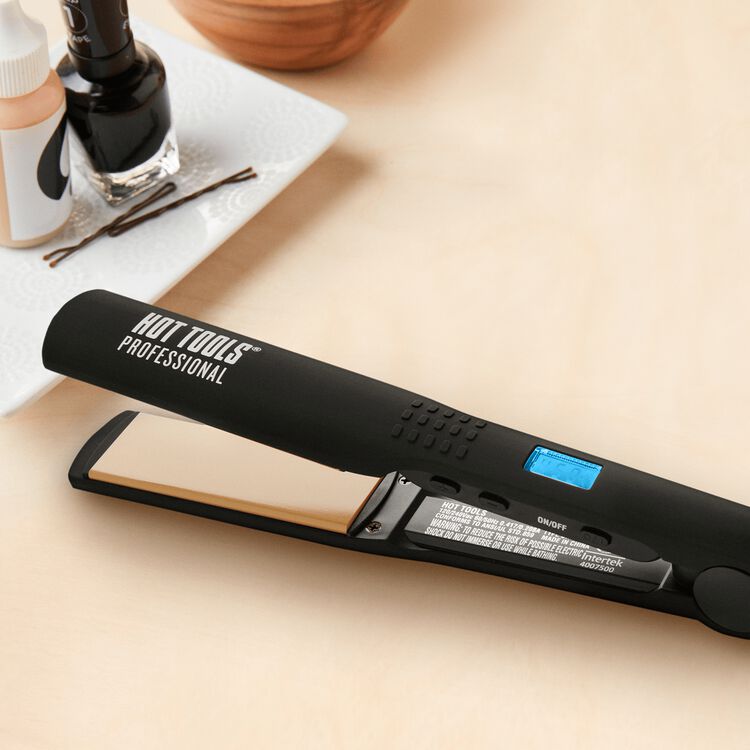
Hot Tools 1.25″ Wide Plate Ceramic Flat Iron creates gorgeously sleek hair styles with one pass straightening.
What makes it special?
- Extra-Wide Plates allow wider sections of hair to be styled faster with one pass straightening
- MULTI-DIRECTIONAL Floating plates for full hair contact and one pass straightening
- Rounded plate edges to curl ends under or flip them out
- Universal Dual Voltage – Great for travel
- High Heats up to 450°F
How To Use
Operating Instructions:
- This appliance has a polarized plug (one blade is wider than the other). As a safety feature, this plug will fit in a polarized outlet only one way.
- If the plug does not fit fully in the outlet, reverse the plug. If it still does not fit, contact a qualified electrician.
- Do not attempt to defeat this safety feature.
Start-up:
- Plug the straightener into an electrical outlet. The blue LCD light will flash and display “OFF” and “HOT TOOLS”. Press and hold the Power Button (o / ı) until temperature is displayed, which also indicates the unit is on.
- To select a higher temperature, press the (+) button, and to select a lower temperature, press the (-) button. The LCD light will turn blue when selecting temperatures. Once selected temperature has been reached, the LCD light will change to green.
- Wait for iron to heat up, which takes approximately 60 seconds. For optimum styling temperature, allow iron to heat for 2-3 minutes before using.
Automatic Worldwide Dual Voltage:
- This appliance will automatically adjust to the proper voltage. In North America, connect the plug into any outlet. Outside North America, use a plug adapter of the proper configuration with the plug before connecting into any outlet.
Adjustable Auto Shut-Off
- The Auto Shut-off feature is automatically “On” when you turn on the iron.
- The default Auto Shut-off time is 2 hours.
- To change the Auto-shut off time, press the (-) button for 2-3 seconds, the LCD will display “120” with a red background.
- Click the (-) key to change time in increments of 10 (120, 110, 100, 90, 80, 70, 60, 50, 40, 30, 20, 10).
- The Shut-off feature will automatically turn your iron off, if you forget to do so, in the selected time.